
Write a prescription against a patient and a doctor, record the symptom and the advice, and add the drugs with dosage, duration and instructions.
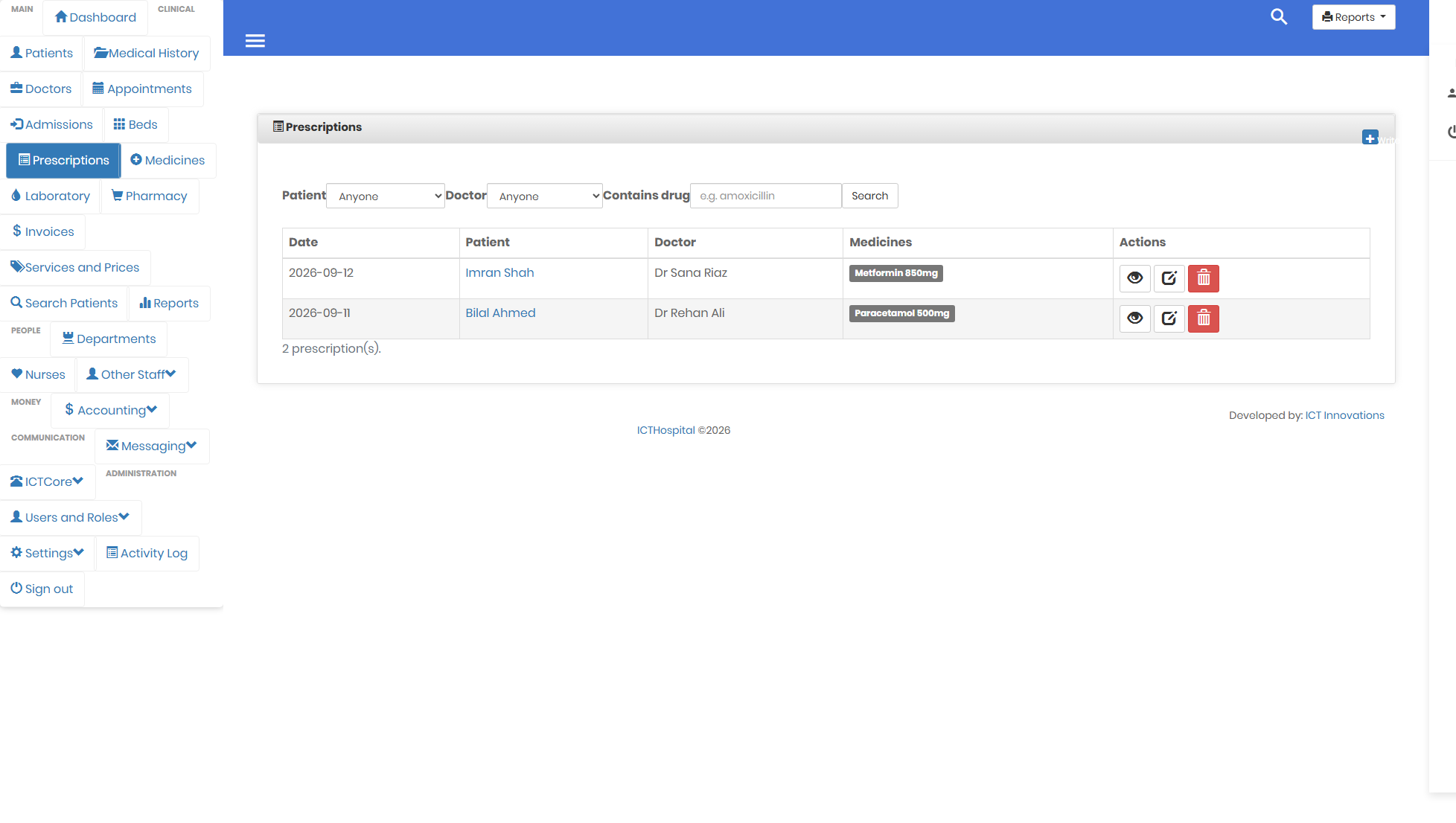
Prescriptions can be searched by the drug on them, not just by patient.
Each drug is its own row
This is the change that mattered most in the rebuild. The old schema packed every drug on a prescription into a single text column, separated by commas, which meant the database could store the information but could not answer anything about it.
Now each drug is a row with its own dosage, duration and instructions. “Which patients are on this drug” stops being a manual read-through and becomes a search. So does the drug usage report, which could not exist at all under the old shape.
The old text column is still written with a readable summary of the prescription, so anything that reads the database directly, including reports written years ago, keeps working.
The drug name is copied onto the line
When you prescribe from the medicine catalogue, the name is copied onto the prescription rather than only referenced. A prescription is a record of what was written on a given day, and editing the catalogue next month must not rewrite it. There is a test that renames a catalogue entry afterwards and checks the prescription is untouched.
You can prescribe something that is not listed
A doctor should not be blocked because the pharmacy has not added a line to the catalogue yet. Type the name and it is recorded as free text on that prescription.
A prescribed drug cannot be deleted from the catalogue
The prescription keeps its own copy of the name, so an old record still reads correctly, but removing the catalogue entry would lose the pack size and the category that the pharmacy needs when dispensing. The system refuses and says why.
See it rather than read about it. Prescribing is covered in the user guide.
The user guide walks the whole system in the order you would meet it, and the screenshots page has every screen. The source is on GitHub under the GPL v3.